

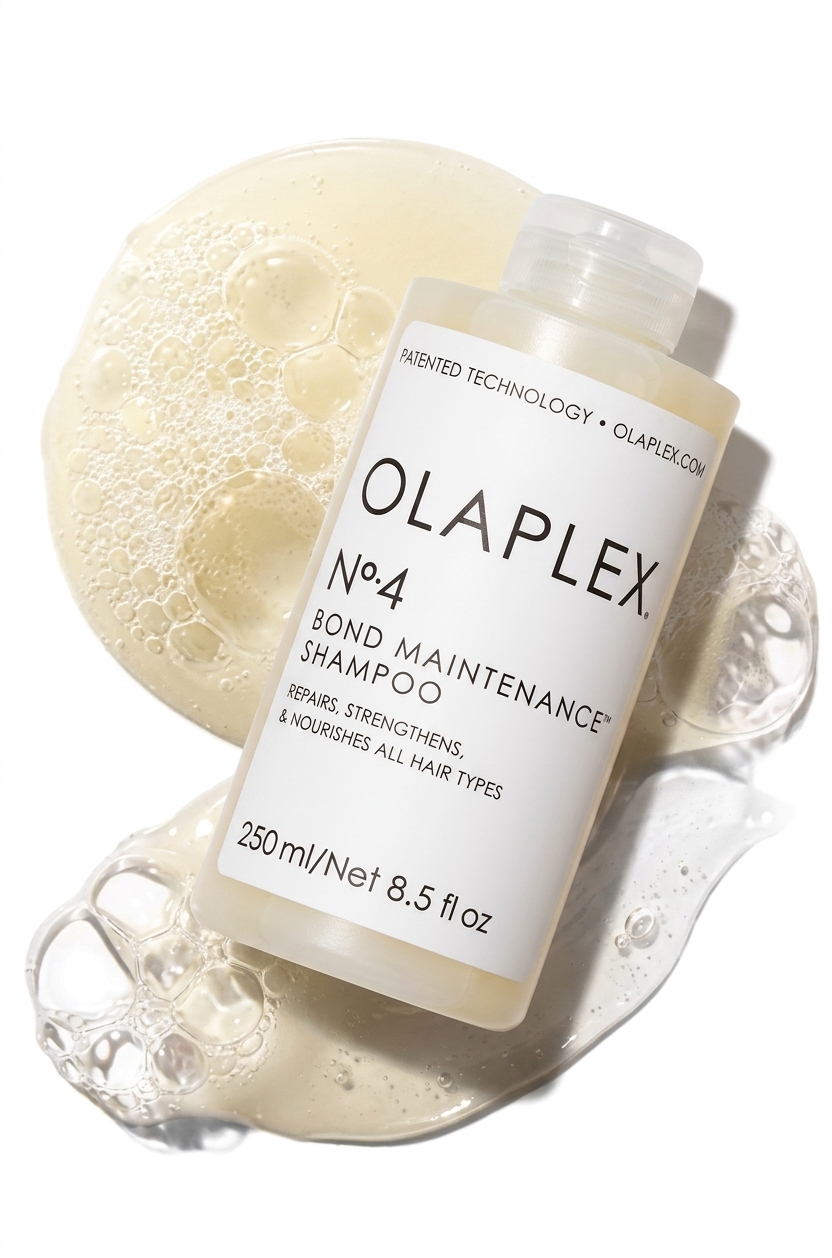
We built an open-source Claude skill that creates one-shot, perfectly branded Amazon listing images from a simple product photo.
Great Amazon listing images are either painfully slow to design or incredibly expensive to commission. And while standard AI image generators exist, they fail at e-commerce for one simple reason: they have no context about your brand. You ask for a feature callout, and you get random fonts, incorrect colors, and a visual style that doesn't match your storefront.
We built an open-source Claude skill that fixes this by doing the brand work *before* it touches a single pixel.
How the Skill Works
This plugin drops directly into Claude Code (running in your terminal or IDE) and operates across three distinct modes:
- Setup your brand: Point it at your website or logo to extract your exact design rules.
- Generate images: Drop in a product photo, name the image type you need, and it outputs a ready-to-list asset.
- Fix and retouch: Spot an issue? Ask it to tweak shadows, swap out a background prop, or adjust the text layout.
Phase 1: Brand Setup (The One-Time Step)
The reason this plugin works consistently is that it separates the brand definition from the image generation.
Before creating the first image, the skill asks for references. You can point it at your website URL, drop in a logo file, or simply describe your brand's aesthetic. It extracts your design language and writes a permanent design file containing:
- Exact hex values for your primary and secondary colors
- Typography styles and visual hierarchy
- Photography mood and lighting preferences
- Strict do's and don'ts for visual composition
For example, we tested this by simply telling the agent: *"Our brand is Olaplex. Figure out the design rules."* It successfully mapped the stark, minimalist typography, the specific monochromatic color palette, and the clinical, high-end photography mood. That file became the master brief. We never had to explain the brand again.
Phase 2: Generating Images
You shouldn't have to teach an AI what an Amazon listing needs. The skill inherently understands the anatomy of high-converting Amazon image types. You don't prompt it on *how* to make an "Us vs. Them" graphic. You just ask for one.
It knows exactly what content belongs in, how to compose, and what text limits to enforce for:
- Hero Images (strict white background compliance)
- Benefit Callouts (text-light, impact-heavy)
- Feature Breakdowns (pointer lines and zoomed details)
- Us vs. Them Comparisons (classic grid layouts)
- What's Included (Box Contents)
- Use Cases and Lifestyle (in-situ rendering)
- Certifications and Ingredient Origins
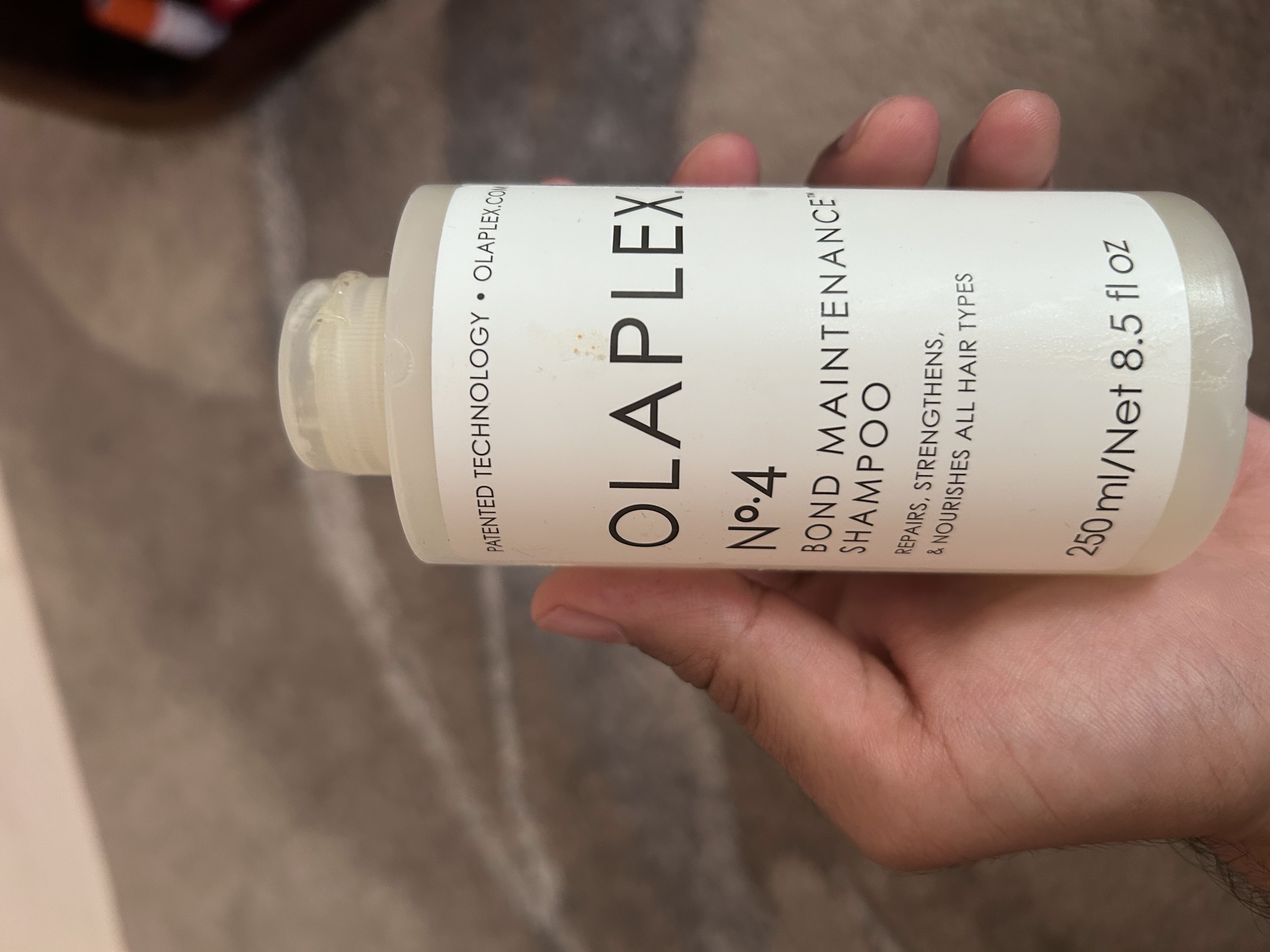
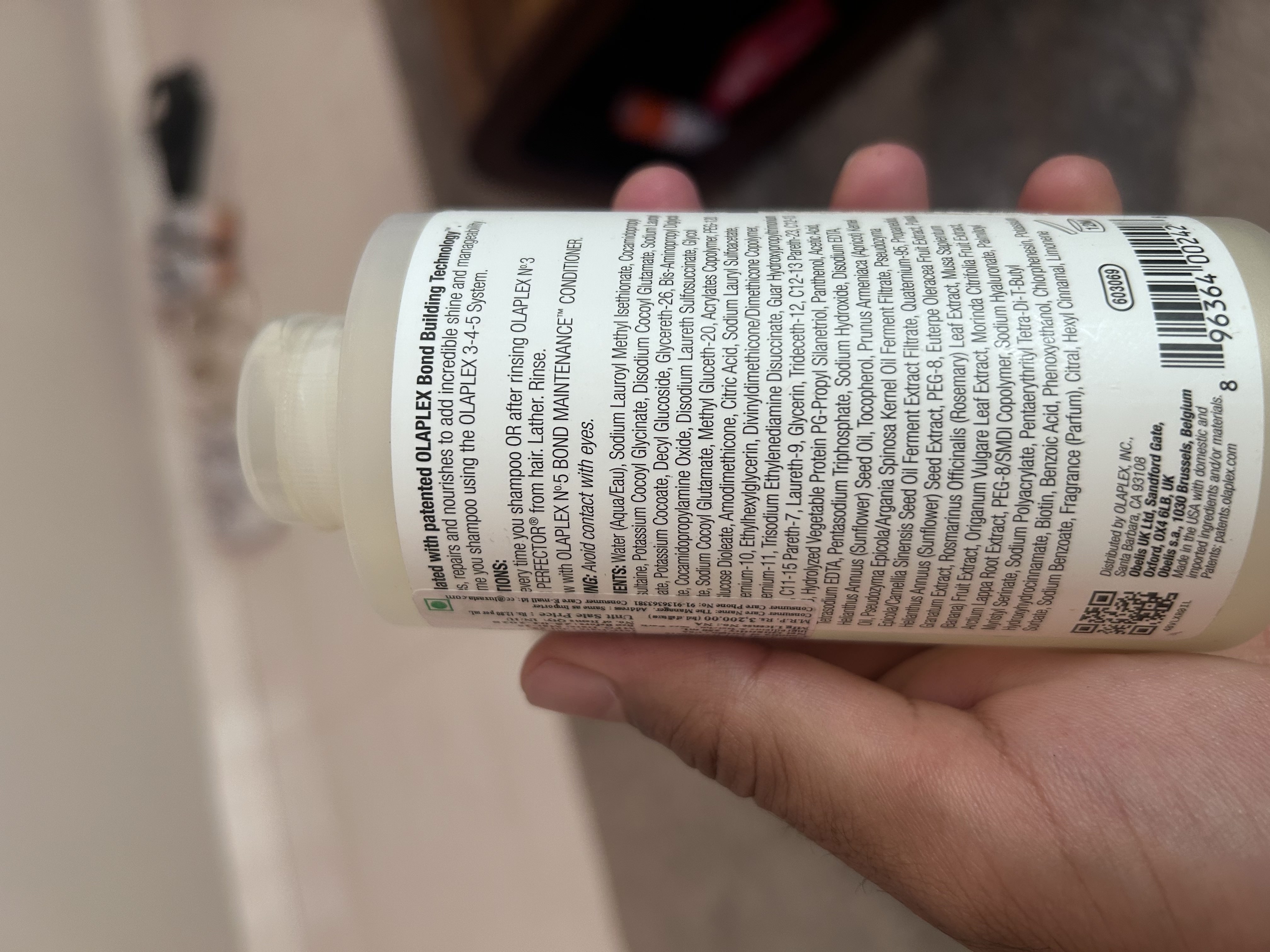
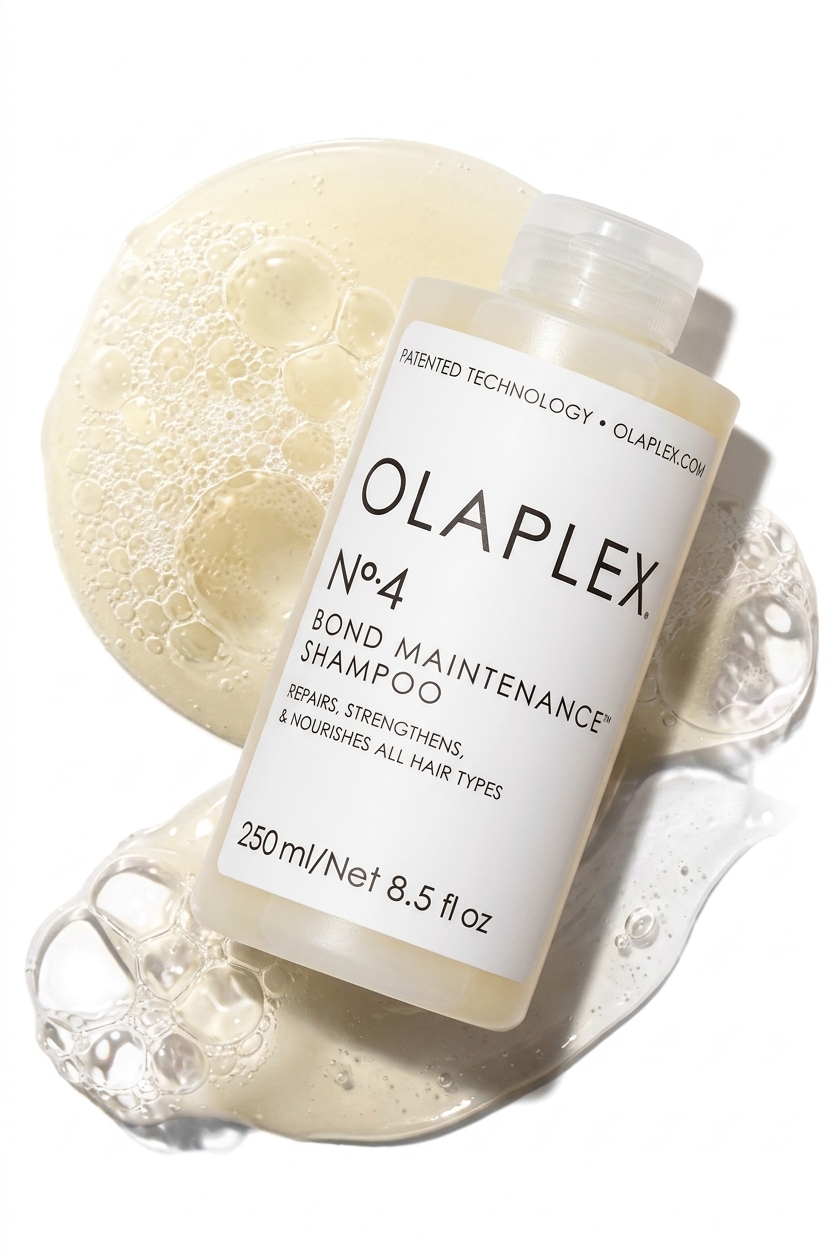
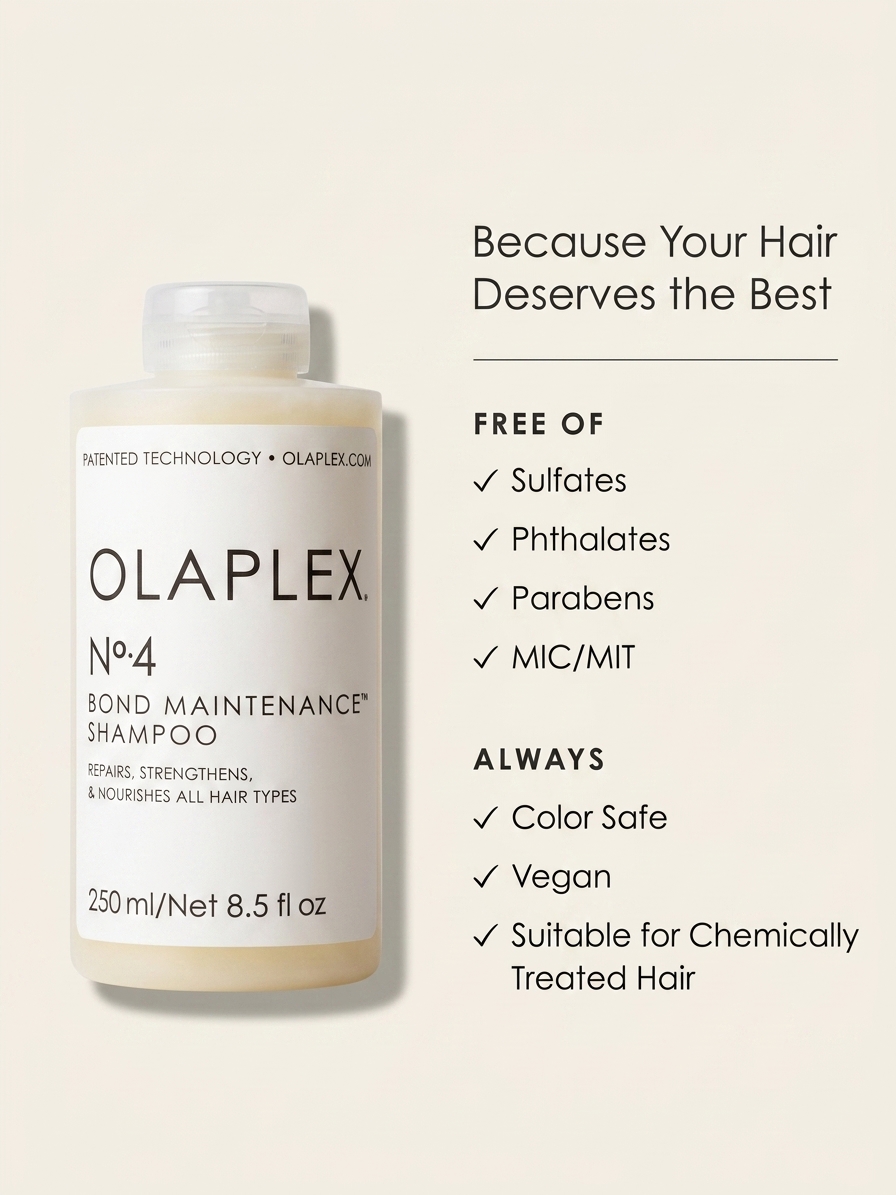
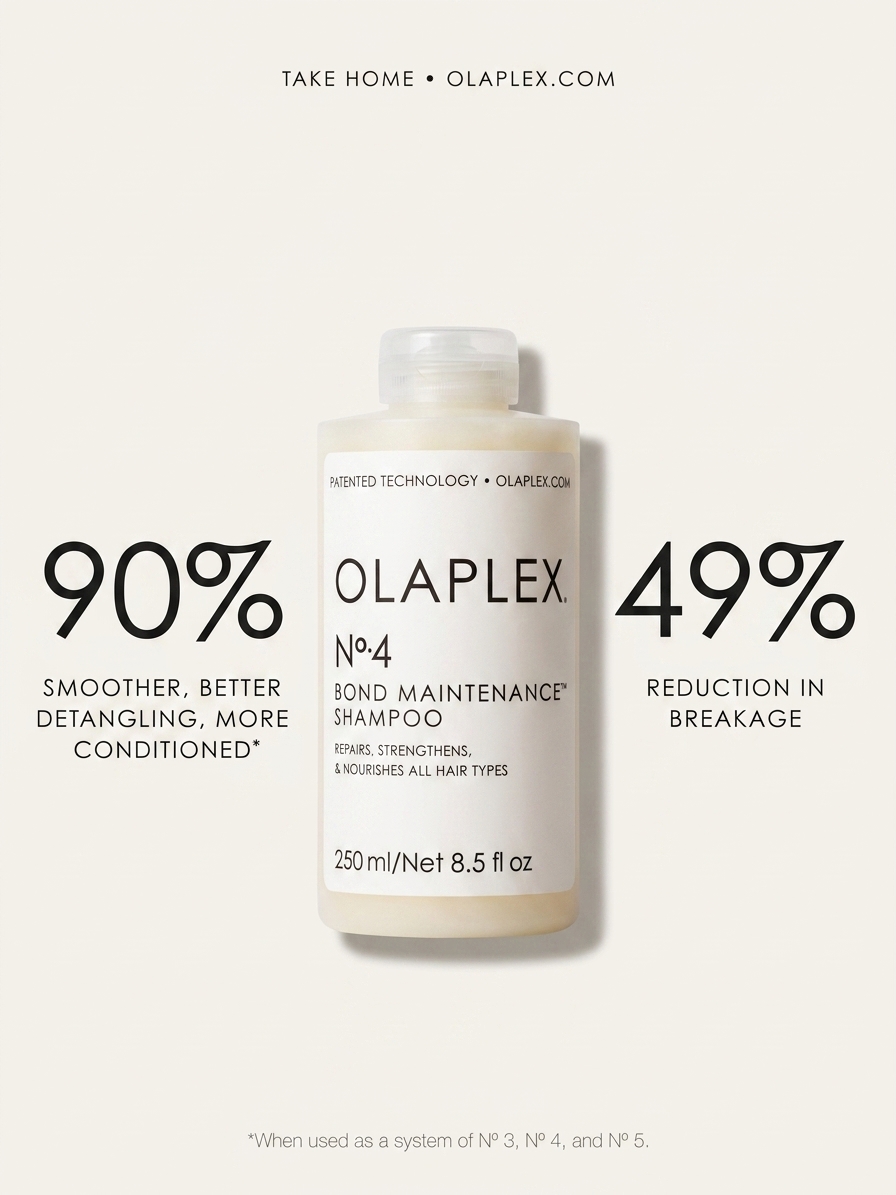
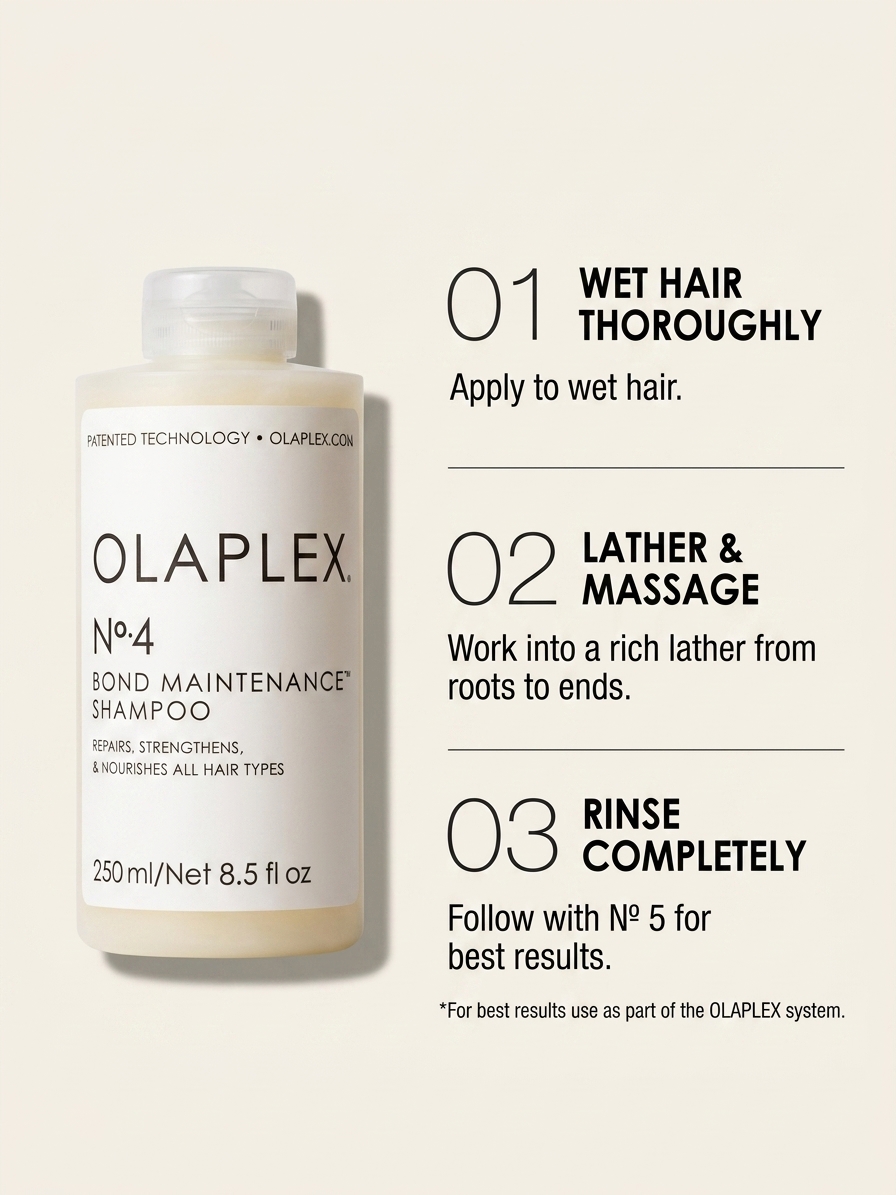
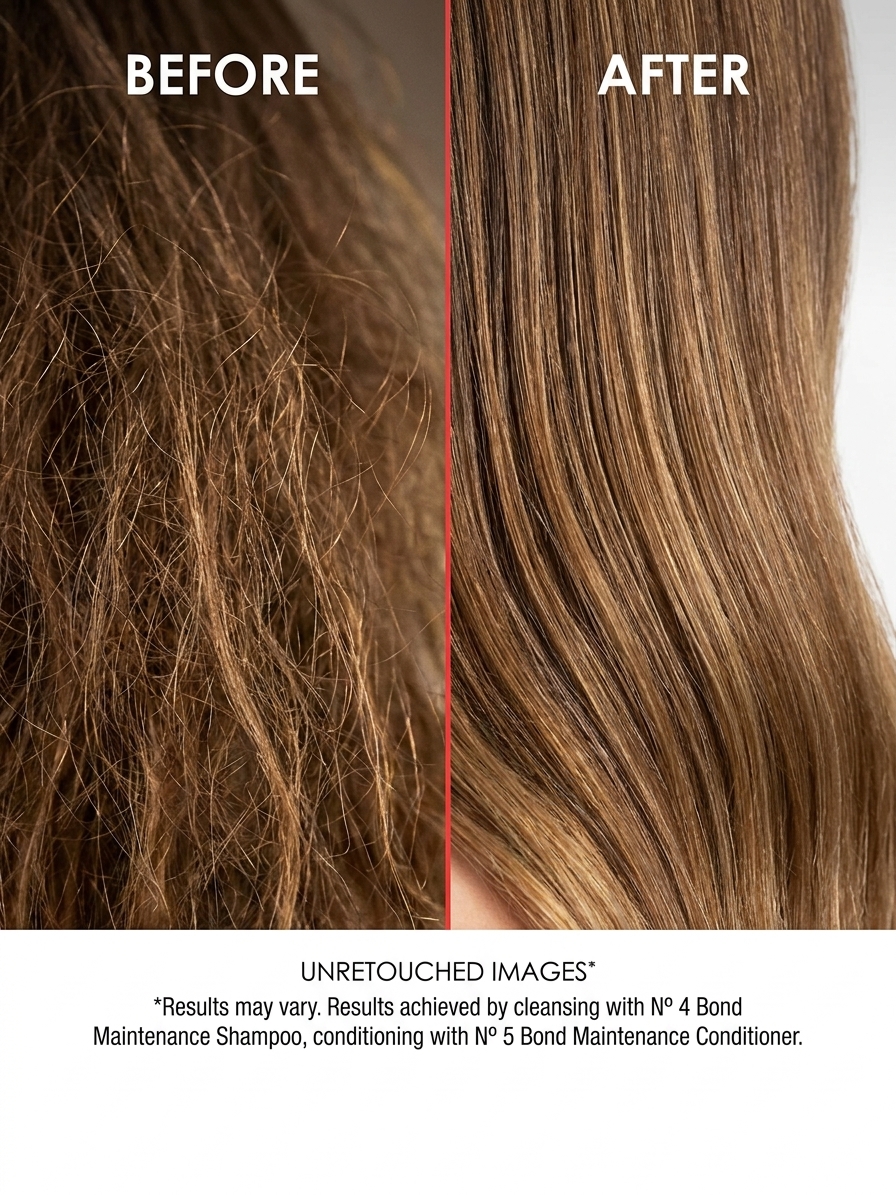
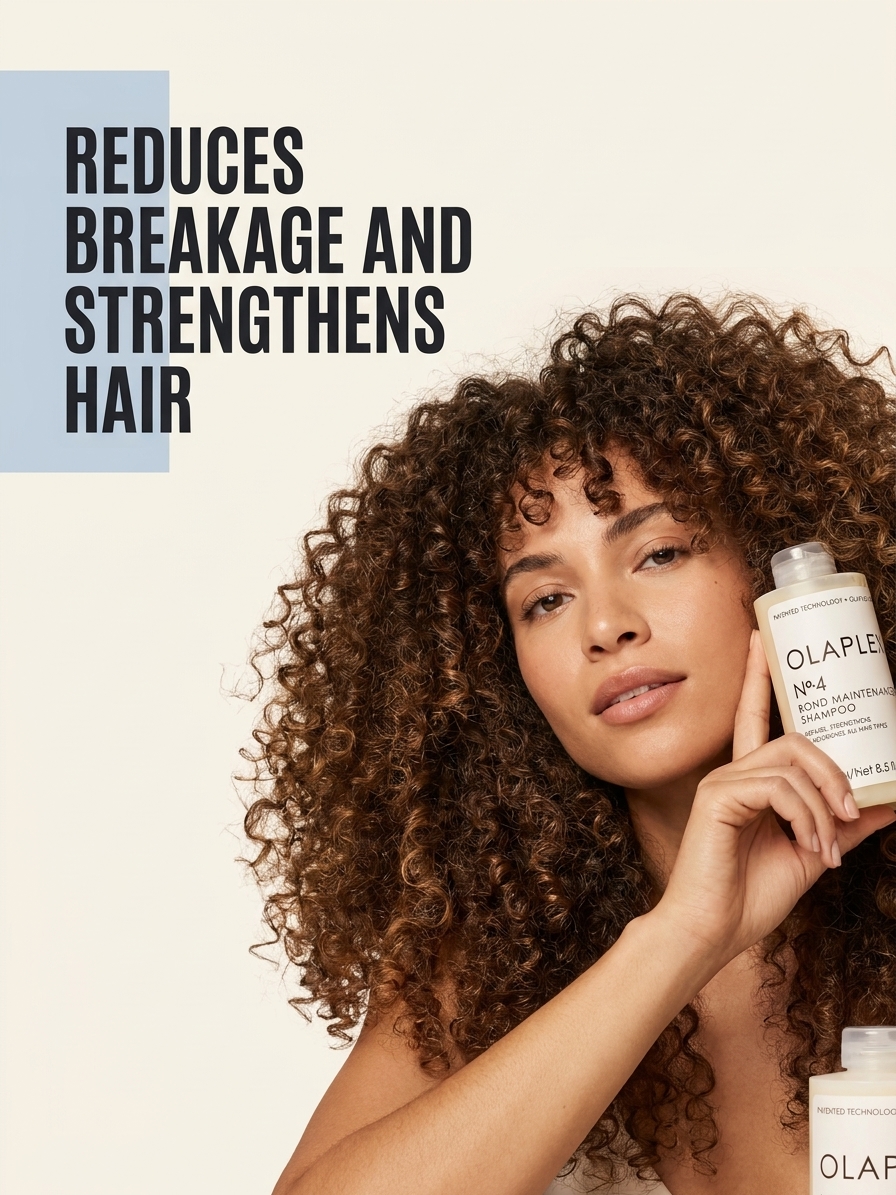
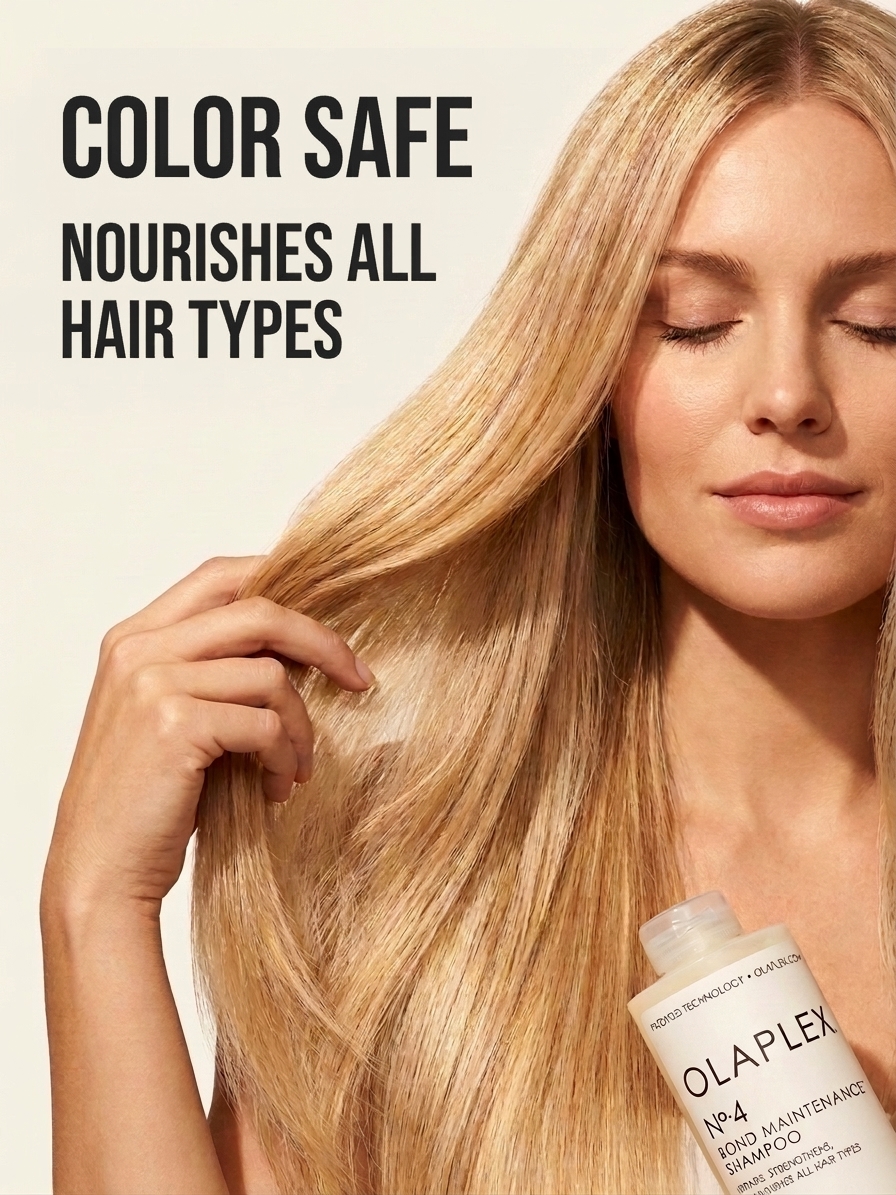
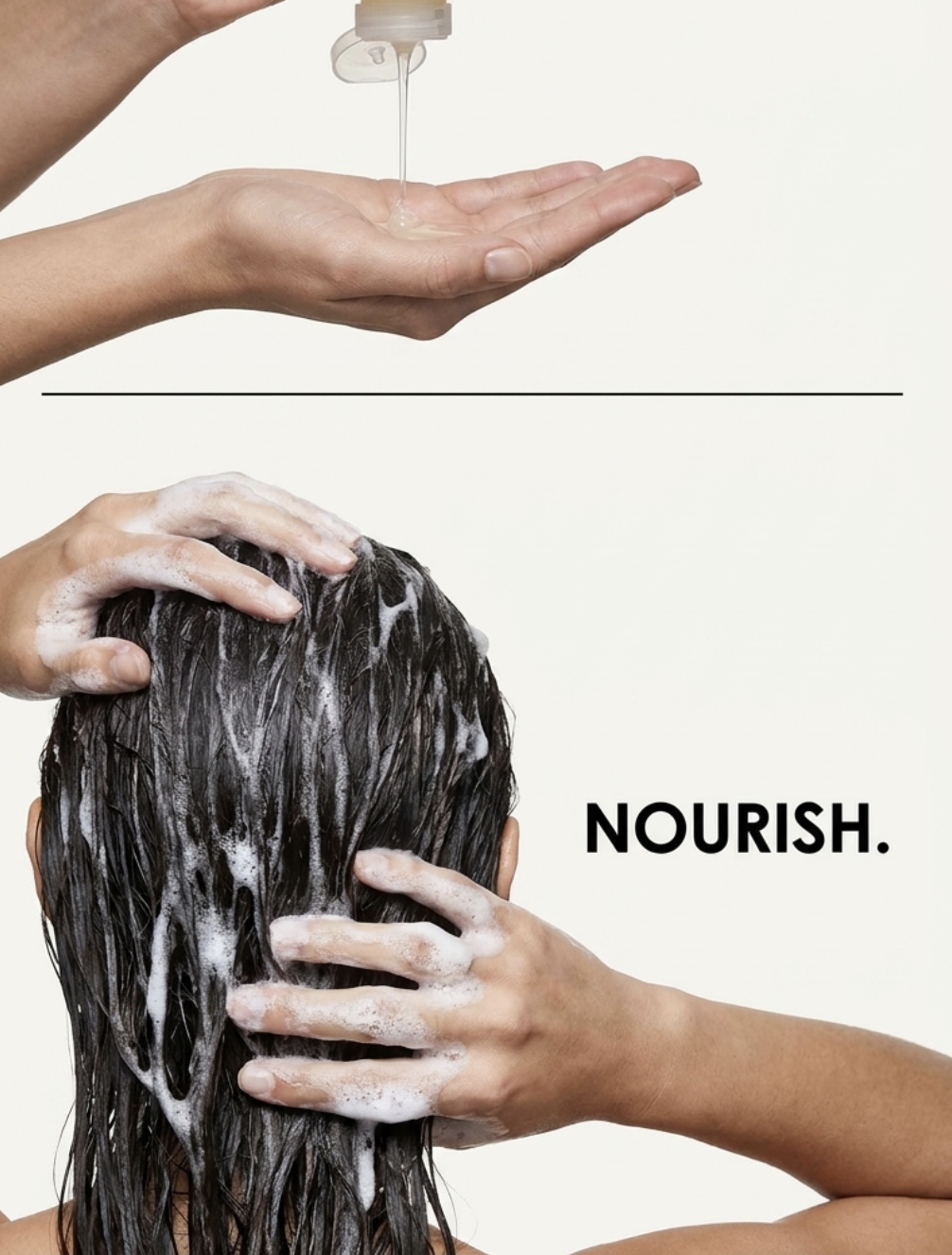
The Workflow: We handed the Olaplex-configured agent a casual iPhone photo of a person holding the bottle. We typed: *"Generate a Feature Breakdown image highlighting the patented bond-building technology."* It successfully isolated the bottle from the phone photo, placed it on a clean studio background that matched the Olaplex mood board, and overlaid the typography using the exact hex codes and font styles it extracted in Phase 1. One shot. Ready to list.
Input: Raw Phone Photos
Output: Claude Generated Images
Phase 3: Retouching and Fixes
Sometimes AI gets a detail wrong. Maybe the shadow falls incorrectly, a lifestyle prop doesn't fit the vibe, or the text is obstructing the label.
Instead of starting over, you just use plain English. - *"Make the drop shadow softer."* - *"Move the text to the top left corner."* - *"Change the background surface from marble to clean white podium."*
An honest note on retouching: The agent is excellent at layout tweaks and lighting adjustments. However, if you want a fundamentally different composition or a completely new lifestyle setting, it is almost always faster and yields higher quality to just trigger a fresh generation in Phase 2 rather than trying to heavily retouch an existing output.
Tips for the Best Results
- Garbage in, garbage out: The skill can isolate and clean up a product, but starting with a well-lit, high-resolution product photo drastically improves the final output.
- Be specific when retouching: Don't say "make it better." Say "increase the contrast on the bottle and reduce the size of the headline."
- Embrace the reset: If the generated image doesn't align with the specific Amazon image type you requested (e.g., you asked for a "Benefits" image but it feels more like a lifestyle shot), don't spend time trying to prompt it into submission. Just regenerate it.
How to Setup the Skill
You don't need to manually configure dependencies or download files. Since this is built natively for Claude Code, setup takes less than 10 seconds. Once you unlock the GitHub repository link below, simply open Claude Code in your terminal and type: `claude code install <paste-the-github-repo-link>`
Claude will automatically clone the repository, install the necessary dependencies, and register the skill. You can immediately start using the commands to set up your brand and generate images.
We've made the repository completely public. Enter your email below to unlock the link and start generating your branded catalog today.
Get the Source Code
Enter your email to instantly unlock the GitHub repository and get early access to more free skills from Clair.